
Import products
Open Catalog → Products and choose Import Products. New products are saved as drafts by default. After the batch finishes, staff with the required permission can publish the new products from the batch results.
Supported sources
- Public product or category links from Weishang Album.
- A single album link from Yupoo.
- An authorized XLSX product workbook, optionally accompanied by an image ZIP.
Some sources cannot be read because of platform permissions, page formats, or image access restrictions. If a link cannot be previewed, use a workbook and image files provided or authorized by the source platform.
Import workflow
- Choose a source type, paste a link, or select a workbook and optional image archive.
- Start an asynchronous preview and wait for it to finish.
- Search or filter the candidates. Review names, codes, images, categories, and tags.
- For each candidate, choose create, skip, or update a source product already linked to a local product. You can manually add candidates that were not matched automatically.
- Adjust category or tag mapping, price-type mapping, the default material version, and size cleanup rules as needed.
- Confirm you are allowed to import the content and that the images are suitable for public storage. Then create the import batch.
- Review per-item batch results. Failed items can be retried. To publish products, choose Publish New Products in This Batch and review the publication requirements and visitor view.
When updating a linked source product, locally maintained prices and material versions are preserved. Review the comparison before confirming.
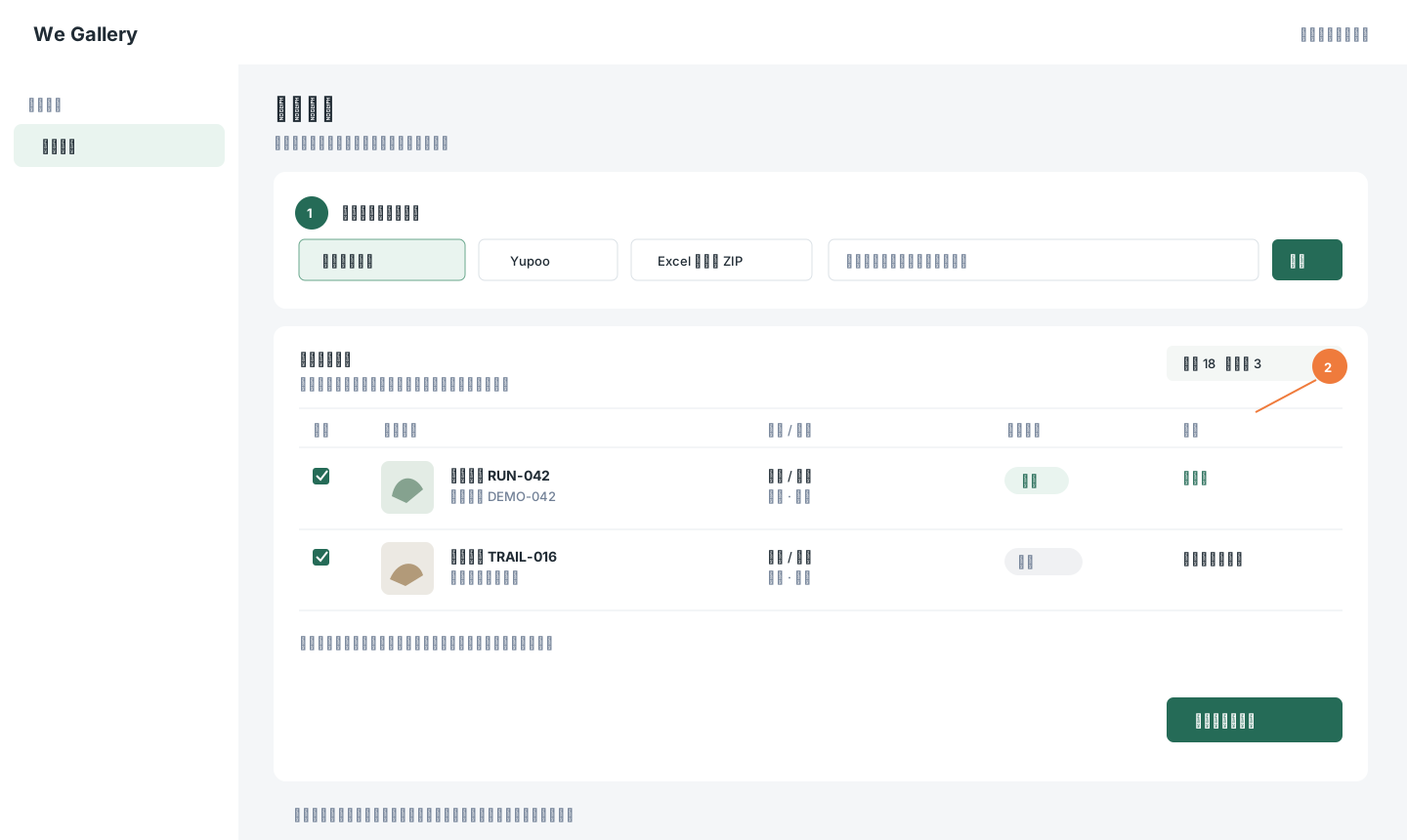
The preview uses fictional candidates. The shop must have permission to use each source and image. Click the image to zoom in.
Public image storage: Imported images are saved as regular product images. Do not upload customer identity details, private messages, or files that should not be public.