
Gallery appearance and content
Store profile and contacts
The shared store profile contains the store name, logo, visitor note, and default contact information. A share link can override selected nickname, avatar, or contact fields. Blank override fields inherit the shared profile. Contact details appear only when the link enables Display Contact Information.
If no logo is set, the gallery uses the store name. A default visitor note is shown when no custom note is set.
Navigation and banners
- Maintain navigation groups and items under Sharing → Navigation, then choose a group in a link's settings.
- Maintain banner groups under Sharing → Carousels. A group can contain up to eight images and can be enabled or set as the default.
- A link can select a banner group and image targets. Targets can be external web addresses or products, categories, and navigation items available within the link.
- If a target falls outside the link's scope, the banner remains visible but does not navigate. The visitor page leaves out the banner area when there is no available banner group.
Navigation items and banner links work on desktop and mobile web galleries. The native mini program does not currently support either navigation items or banner links.
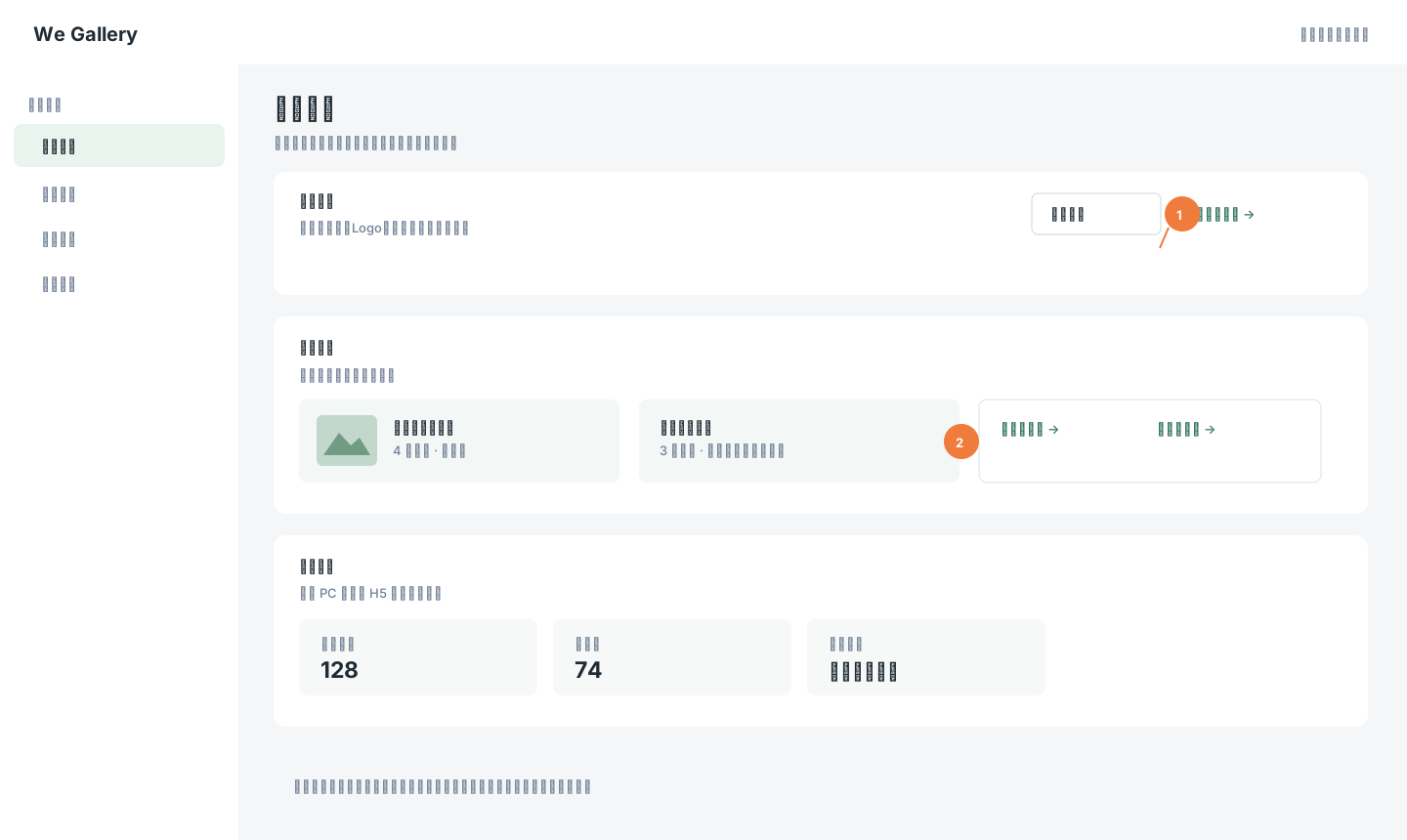
Synthetic example data. The store profile can be shared by multiple links. Click the image to zoom in.
Visit statistics
Sharing → Visit Analytics shows visitor activity for desktop and mobile web galleries, including link-related performance. Native mini program visits are not included.
Gallery image search
Visitors can upload an image to find similar published products visible to their current share link. Password links must be unlocked first. Results follow that link's product and price scope. The query image is used for the search and is not saved as a product or order image. Treat matches as suggestions, not guaranteed exact matches.